
This is the user manual for QT411-ISSG QSlide™ IC evaluation and development application
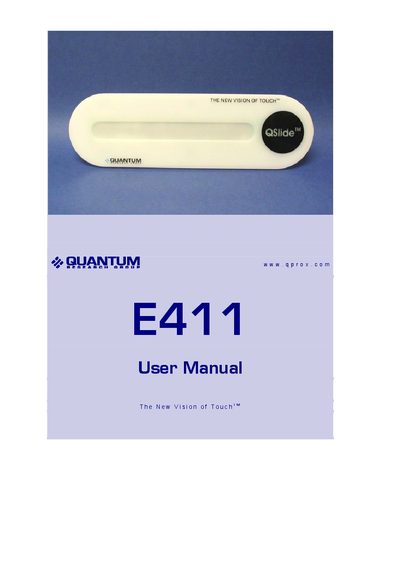
The Quantum E411 evaluation kit provides a ready‑to‑use touch‑slider assembly (E411) together with a USB‑SPI adapter card, cables and QSlide software for PC control and data viewing. The kit is intended for developers to evaluate the QT411‑ISSG QSlide™ IC and create speed or volume controls for appliances or electronic devices.
The manual explains how to mount the spare E411 board, connect the assembly to the USB‑SPI adapter, install and operate the QSlide software, adjust parameters such as Threshold and Drift Compensation Rate, and troubleshoot common communication or signal issues.
| Default Threshold | 25 |
|---|---|
| Default Drift Compensation Rate | 5 seconds per reference level |
| LED 1 indicator | Power indicator, constantly lit |
| LED 2 indicator | Lights when the E411 assembly is touched |
Open the QSlide software and click the Calibrate button each time the E411 is moved or before first use.