
This document is the user manual of Philips DVP3360 DVD player, which introduces the features and characteristics of this product, including connection, playback, settings, etc.
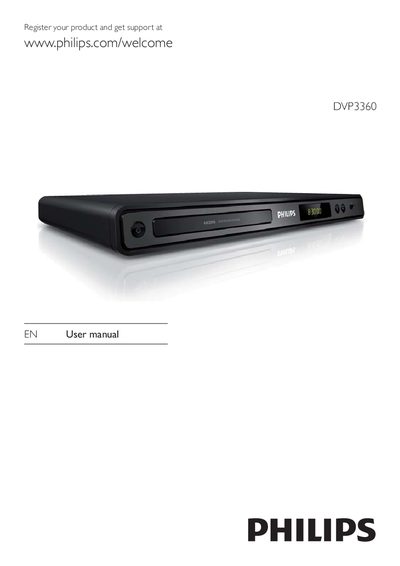
This manual guides you through installing and using the Philips DVP3360 DVD player. It covers safety precautions, power connection, and basic setup steps such as registering the product online for support.
Detailed sections explain remote‑control functions, HDMI EasyLink operation, USB playback, MP3 creation, and troubleshooting tips, along with a specification table for video, audio, and connectivity features.
| Video upscaling resolution | 1080p |
|---|---|
| USB interface | USB 2.0 |
| Mains fuse rating (U.K.) | 10A |
Visit www.philips.com/welcome and register your product to receive support.
Leave at least four inches of space around the player for ventilation, keep it away from heat sources, moisture, and water, and never cover the ventilation slots.
EasyLink uses HDMI CEC to let the DVD player control and be controlled by other HDMI CEC‑compatible devices with a single remote.