
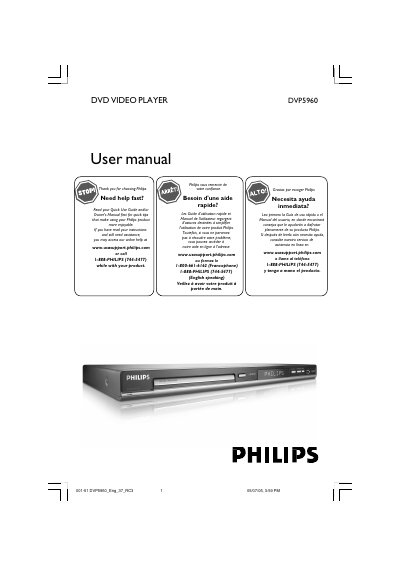
The Philips DVP5960 DVD Video Player manual provides detailed instructions for safe installation, connection, and everyday use. It includes safety warnings, setup steps, remote‑control operation, and guidance for connecting to TVs, audio systems, and USB devices.
Additional sections cover disc cleaning, language and subtitle settings, advanced features such as progressive scan and HDMI, and a comprehensive troubleshooting guide to resolve common issues like power loss, picture problems, and audio errors.
| Laser type | Semiconductor laser GaAlAs |
|---|---|
| Wavelength (DVD) | 650 nm |
| Wavelength (VCD/CD) | 780 nm |
| Output power (DVD) | 7 mW |
| Beam divergence | 60° |
Complete and return the Product Registration Card that came with the player; registration gives warranty benefits and notifications of safety recalls.
Use a microfiber cleaning cloth and wipe the disc from the center outward in a straight line; do not use solvents or cleaning CDs.
Make sure the AC power cord is firmly connected and press the STANDBY ON button on the front of the unit.