
This Quick Start Guide helps you quickly install your Philips Commercial TV. It contains the necessary information to install the TV and configure the settings.
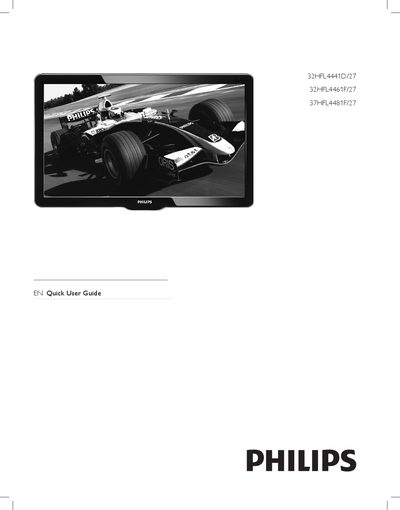
The Quick Start Guide helps you install and configure Philips commercial televisions quickly. It includes a list of box contents, step‑by‑step standalone installation, channel setup, and advanced configuration of picture, sound, and hotel‑specific features.
The guide also explains the Energy Savings mode that disables side control keys in standby, the open‑source software offer, and how to adjust picture settings such as brightness, contrast, and color. All instructions are intended for hotel‑room deployment and assume the use of the supplied remote control and accessories.