
The LLC7020 Outdoor Luminaire Controller is a Philips Starsense outdoor lighting telemanagement system product. It can monitor and drive one ballast-lamp combination. It is designed for use in residential, street and road lighting applications, including parking lots, ports, train stations and industrial complexes.
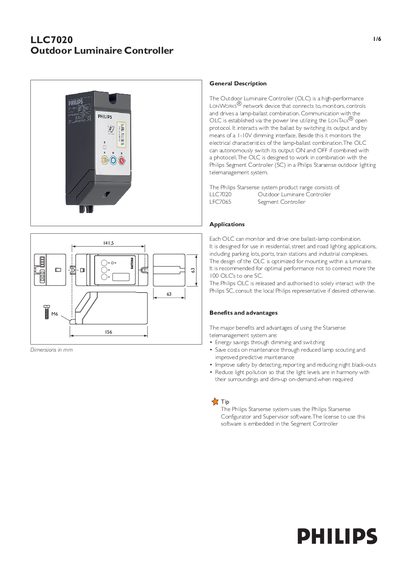
The LLC7020 Outdoor Luminaire Controller (OLC) is a LonWorks network device that monitors, controls, and drives a lamp‑ballast combination via power‑line communication. It can switch its output on/off, dim the lamp, and report electrical characteristics such as voltage, current, power factor, and energy consumption.
The manual covers mounting options, wiring diagrams, LED status indicators, safe‑guard mechanisms (photocell and back‑up scheduler), and detailed technical data including temperature ranges, voltage ratings, and power consumption. It also explains how to power the unit, use the local output timer, and interact with the Philips Starsense system.
| Storage temperature range | -25°C to +85°C |
|---|---|
| Operating ambient temperature | -20°C to +75°C |
| Rated voltage | 180Vac to 253Vac |
| Maximum load | 400W, any type of lamp load |
| Stand‑by power consumption (Relay ON) | < 8W (peak) |
The green LED is on when the OLC unit has mains power.
It can fall back to photocell operation or to a back‑up scheduler, allowing the controller to operate autonomously when communication is lost.
Each OLC has a unique 48‑bit Neuron® ID printed on three barcode labels on the front of the unit; it cannot be rewritten.