
This document is the user manual of Philips LFH3220/LFH3225 microphone, which introduces the use of the microphone.
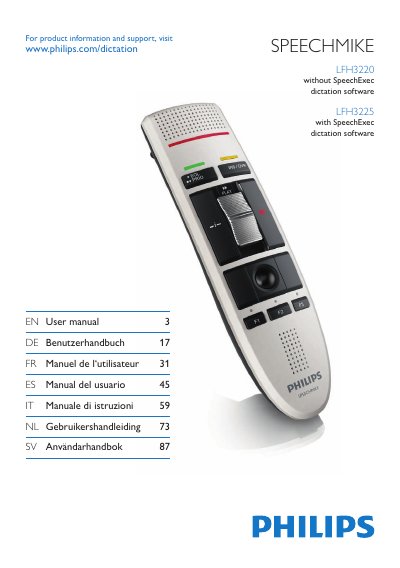
The SpeechMike LFH3220 and LFH3225 are USB dictation microphones designed for use with Philips SpeechExec or other dictation software. The manual explains how to install the device, connect it to a computer, and use its programmable keys for recording and application control.
It covers installation steps, basic recording, customization via the Device Control Center, firmware updates, technical data, safety information, compliance notes and a FAQ section that addresses common issues such as USB power problems and operating‑system conflicts.
| Dimensions | 45 × 165 × 30 mm |
|---|---|
| Weight | 0.120 kg |
| Cable length | 3 m |
| Connectivity | USB: Mini‑USB 2.0 |
| Microphone frequency response | 200 – 10 000 Hz |
| Speaker output power | > 200 mW |
Press the Defaults button and then click Upload to save the default settings.
Processor: Pentium III 500 MHz (or Pentium IV 1 GHz recommended), RAM 512 MB (1 GB recommended), 10 MB hard‑disk space for Speech Control.