
This manual introduces the configuration methods of VIA BIOS RAID and Windows RAID.
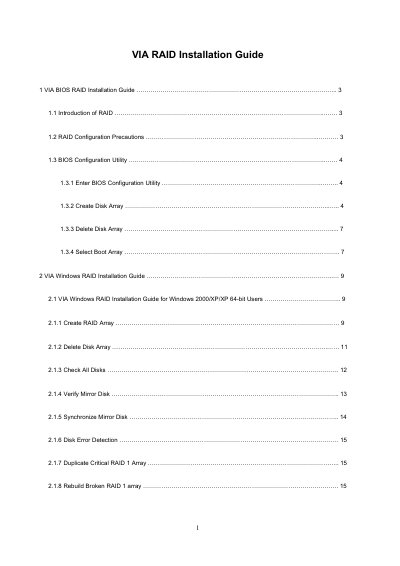
The BIOS section describes how to enter the BIOS configuration utility, create or delete RAID arrays, and select a boot array. It details the steps for RAID 0, RAID 1, and JBOD, including block‑size selection and warnings about data loss.
The Windows section covers the VIA RAID software, showing how to create, remove, and manage RAID arrays, add or remove spare disks, synchronize mirrors, and repair broken arrays for Windows 2000/XP/Vista systems.
| RAID controller chipset | VT8237A south bridge |
|---|---|
| Supported RAID modes | RAID 0, RAID 1, JBOD |
| SATA channels | Two independent SATA channels |
| RAID 0 block size options | 4K to 64K Bytes |
Enter the BIOS Configuration Utility, highlight Create Array, choose RAID 0 as the array mode, select a block size, and start the creation process.
No, creating RAID 1 under BIOS is not allowed for Windows Vista/Vista 64‑bit; you must use the VIA RAID software in Windows.
When a RAID 1 array is deleted, the data on the two drives is preserved and the drives become normal disks.
During the Windows RAID setup, select the option to keep OS data; the software will preserve the OS disk while creating the array.