
VIA RAID installation guide, introduces how to set up RAID function in BIOS environment, including RAID 0, RAID 1 and JBOD functions
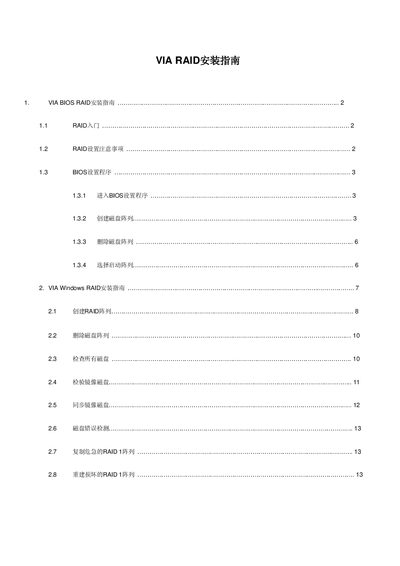
The guide provides step‑by‑step instructions for configuring RAID in the VIA BIOS, including creating, deleting and selecting boot arrays for RAID 0, RAID 1 and JBOD. It also covers important precautions such as using matching drives and the impact of hot‑plugging.
In Windows, the VIA RAID software utility offers a graphical interface for creating, deleting, checking, synchronizing and rebuilding RAID arrays. Detailed procedures for handling critical RAID 1 situations, disk error detection, and data synchronization are included. This manual is written in Chinese.
| Chipset | VIA VT8237 |
|---|---|
| Supported RAID levels | RAID 0, RAID 1, JBOD |
| SATA channels | 2 |
| Block size options | 4K to 64K Bytes |
| ATA/ATAPI compatibility | ATA/ATAPI‑5, SMART support |
When a RAID 1 array is deleted, the data on both drives is retained and the drives become ordinary disks.