
This manual describes how to configure RAID function on the motherboard, including VIA BIOS RAID and JMicron BIOS RAID, as well as RAID configuration under Windows.
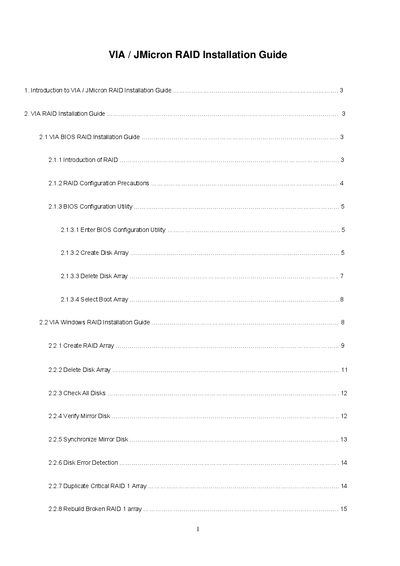
This installation guide explains how to set up RAID arrays on a motherboard that provides two VIA SATA connectors (black) and two JMicron SATAII connectors (red). The VT8237A south‑bridge and JMB363 chipsets support RAID 0, RAID 1 and JBOD, but RAID cannot be created across a SATA and a SATAII connector.
The document covers BIOS‑based configuration steps (entering the BIOS utility, creating, deleting and selecting boot arrays) as well as Windows‑based configuration using the RAID software utility. It also describes precautions, block‑size options, and procedures for rebuilding or resynchronising RAID 1 arrays.