
This document introduces the configuration method of RAID 0, RAID 1, and JBOD functions supported by the RAID controller integrated in VIA VT8237S south bridge chipset
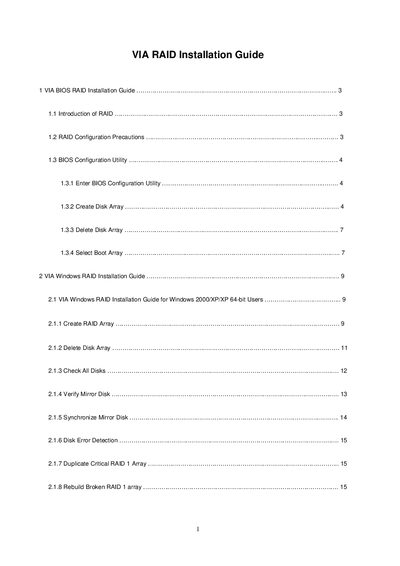
This guide provides instructions for configuring the RAID functions built into the VIA VT82378 south bridge chipset. It covers BIOS configuration, creating and deleting RAID 0, RAID 1, and JBOD arrays, and selecting a boot array.\n\nThe Windows section details how to create, delete, verify, and repair RAID arrays on Windows 2000/XP/Vista, including spare‑disk management and mirror synchronization. Safety warnings emphasize data loss risks during array creation.
| Number of SATA channels | Two independent SATA channels |
|---|---|
| Chipset model | VT82378 south bridge |
| Block size options | 4K to 64K Bytes |
Deleting a RAID 0 or RAID 1 array destroys all data on the array, except that for RAID 1 the two disks become normal disks with data preserved.
Yes, the Add/Remove Spare function lets you assign a spare disk to a RAID 1 array, which will be used if the source or mirror disk fails.
In the BIOS utility, choose the Select Boot Array option, highlight the desired array, and press Enter to set it as the boot device.