
This document is an introduction and operation guide for VIA RAID installation. It introduces the concept of RAID and precautions for configuration, as well as the steps to install RAID functions on Windows 2000 / XP / Vista systems. It also provides VIA BIOS RAID installation guide and VIA Windows RAID installation guide, which are applicable to different versions of operating systems.
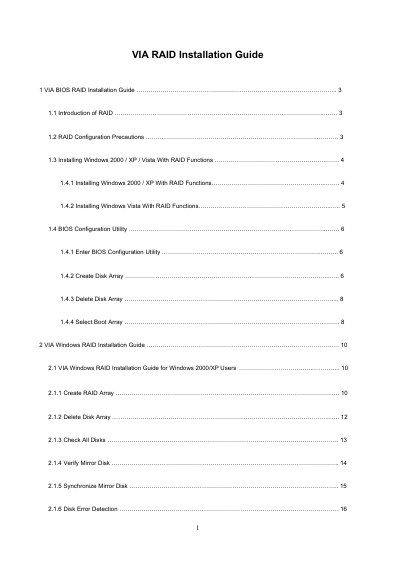
The document provides step‑by‑step instructions for enabling RAID mode in the BIOS, creating and managing RAID 0, RAID 1, and JBOD arrays, and installing the necessary drivers for Windows 2000, XP, and Vista. It also describes how to use the VIA V‑Raid utility under Windows to create, delete, and repair disk arrays.
Additional sections cover configuration precautions, boot‑array selection, adding or removing spare disks, and synchronizing mirrored arrays. The guide includes detailed BIOS menu navigation, driver diskette creation, and troubleshooting tips for broken arrays.
| Supported RAID levels | RAID 0, RAID 1, JBOD |
|---|---|
| Number of SATA channels | 2 independent SATA channels |
| Chipset | VT8237S south bridge |
Enter the BIOS Setup Utility, go to the Advanced screen, select IDE Configuration, and set the “SATA Operation Mode” option to [RAID].
In the Windows RAID utility, select the Synchronize Mirror Disk option to copy the latest data from the source disk to the mirror disk.