
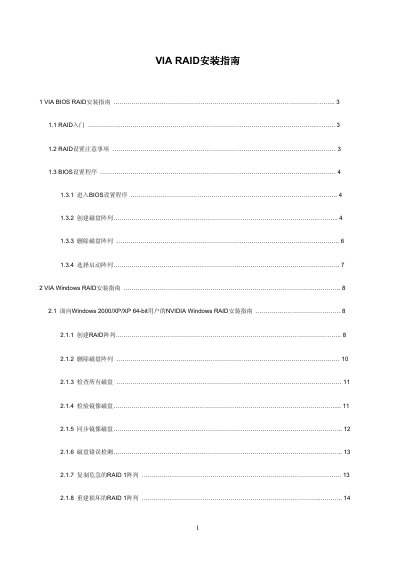
This guide covers RAID configuration with the VIA VT8237A south‑bridge chip. It explains the basics of RAID 0, RAID 1 and JBOD, the required hardware (two SATA ports), and the steps to create, delete, and manage arrays in both BIOS and Windows environments.
The document provides detailed BIOS menu navigation, array creation methods (Auto Setup vs. Select Disk Drives), handling of spare disks, synchronization of mirror disks, and procedures for repairing broken arrays. It also notes limitations such as the inability to create RAID 1 in BIOS under Vista/Windows 64‑bit without the VIA RAID Tool. This manual is written in Chinese.
| Supported RAID levels | RAID 0, RAID 1, JBOD |
|---|---|
| Controller chip | VIA VT8237A |
| Number of SATA ports | 2 independent SATA channels |
No. The guide states that under Vista/Windows 64‑bit you cannot create RAID 1 in BIOS and must use the VIA RAID Tool.
Creating a new RAID array will erase all data on the selected disks unless you use the option that preserves source data for RAID 1 or JBOD.