
This document is the user manual of a certain brand of cash register. It introduces the operation methods of the cash register, including power on, initialization, date setting, time setting, etc.
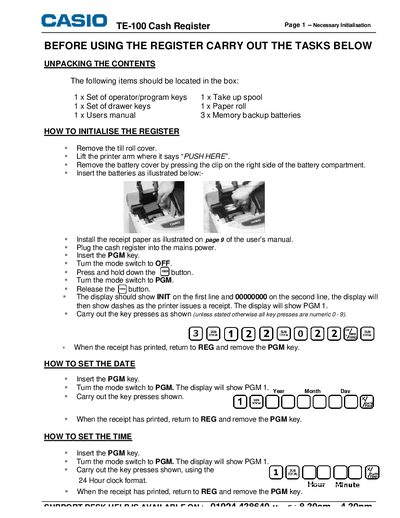
This manual explains how to initialise the TE‑100 cash register, including unpacking, battery installation, receipt paper loading and mode‑switch operations. It also covers basic sales functions, department key programming, price look‑up codes and report generation.
Additional sections describe advanced programming such as setting department names, receipt logo messages, journal spool usage and PLU descriptors, allowing full customisation of the register for daily retail operations.
| Number of department buttons | 24 |
|---|---|
| Maximum characters for department name | 12 |
| Price Look‑Up code range | 1 to 1200 |
| Receipt logo header lines | up to 6 lines of 24 characters |
Insert the PGM key, turn the mode switch to PGM (display shows PGM 1), then follow the shown key presses to enter month and day.