
Introduces the features and usage methods of NETGEAR WN3000RP wireless extender.
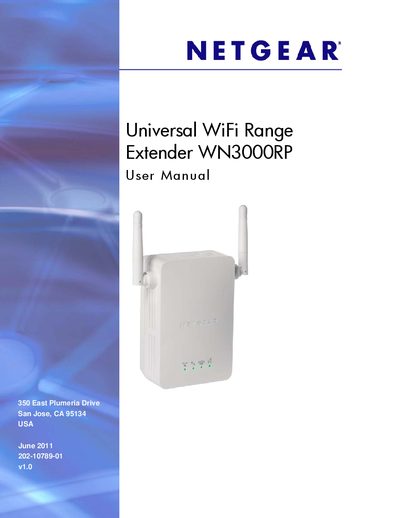
This manual explains how to install and configure the Netgear WN3000RP WiFi Range Extender. It covers hardware features, LED indicators, and the Smart Wizard setup process, as well as how to connect a PC via Ethernet and use the web interface for advanced settings.
Additional sections describe optimal placement for best signal strength, how to use WPS, manage wireless security (WEP, WPA/WPA2), back up and restore settings, and comply with regulatory requirements. Troubleshooting tips and a compliance notification are also included.
| Recommended minimum distance to microwave ovens | 30 ft / 9 m |
|---|---|
| Recommended minimum distance to analog baby monitors | 20 ft / 6 m |
| Recommended minimum distance to digital baby monitors | 10 ft / 12 m |
Press and hold the Factory Reset button (using a paper clip) until the Status LED flashes.