
This is a NETGEAR WiFi Range Extender user manual, which introduces the features and usage of the product.
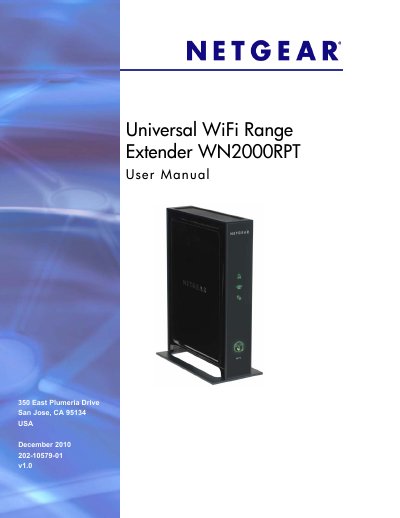
The manual begins with getting started instructions, describing the front and rear panels, LED indicators, and optimal positioning of the extender. It explains how to connect a PC via Ethernet, log in through a web browser, and use the Smart Wizard for initial setup and wireless network configuration.
Later chapters cover network settings such as WPS, security options, IP address setup, firmware upgrades, and advanced wireless features. Appendices provide factory reset procedures, detailed technical specifications, and regulatory compliance information.
| Data and Routing Protocols | TCP/IP, DHCP server and client, DNS relay, NAT, TFTP client, VPN pass through (IPSec, PPTP) |
|---|---|
| Power Adapter Input | 120V, 60 Hz (North America) |
| Power Adapter Output | 12 V DC @ 1 A, 15 W max |
| Dimensions | 8.5 × 5.75 × 1.3 in (216 × 146 × 33 mm) |
| Weight | 0.95 lb (0.42 kg) |
| Operating Temperature | 32 °F to 140 °F (0 °C to 40 °C) |
| Operating Humidity | Up to 90 % RH, non‑condensing |
| Wireless Standards | 802.11n, 802.11g, 802.11b |
| Maximum Data Rate | Up to 300 Mbps |
| Local Interface | 10BASE‑T, 100/1000BASE‑Tx, RJ‑45 |
Press and hold the Restore Factory Settings button on the rear panel for 7 seconds; the extender will reset and return to its factory defaults.
When both the Link Rate LED and the PC to Extender Connection LED are green, the extender is delivering its best performance.