
This manual explains the watch's pedometer function, including the daily walking and exercise walking measurement functions, and the configuration of personal information.
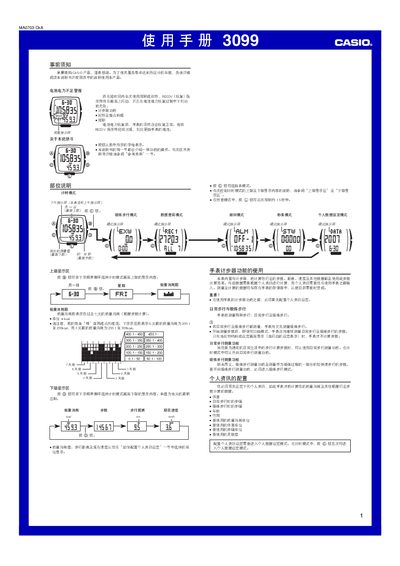
This manual provides step‑by‑step instructions for operating the Casio 3099 digital watch. It covers the preliminary notice, battery‑low indicator, timing and step‑counter functions, and how to configure personal information such as weight, height, age and sensitivity.
The guide also describes daily and exercise walking measurement modes, how to view and delete walking records, set alarms and hourly chimes, and adjust time and date. Technical specifications for energy consumption, step count range, distance, duration and speed are listed at the end. This manual is written in Chinese.
| Energy consumption range | 0 to 23900.5 kea |
|---|---|
| Step count range | 0 to 999,999 steps |
| Walking distance range | 0 to 9999 km |
| Walking time range | 0 to 99 h 59 min |
| Current speed range | 0 to 999 km/h |
In timing mode, press the @ button five times to enter the personal data setting mode, then use @ and @@ to change each item.
The watch keeps up to seven recent daily walking records and up to ten recent exercise walking records.