
This document describes the operation methods of the 3093 and 3094 models, including instructions for using the timer mode, alarm mode, and stopwatch mode. It also provides information on how to set the alarm time, stop the alarm, and enable or disable the daily alarm and hourly chime functions.
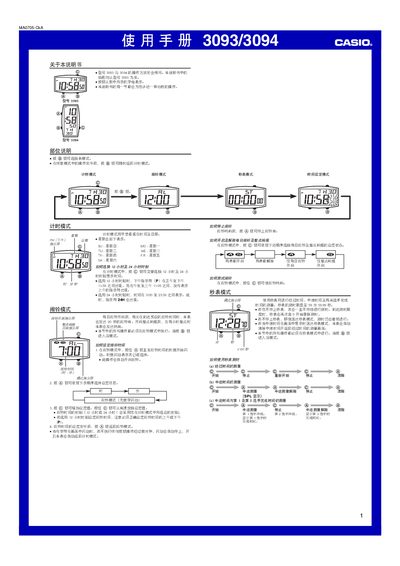
This manual provides step‑by‑step instructions for the Casio 3093 and 3094 watches, which share identical operation methods. It describes the button layout and how each button (A, B, C) is used to navigate between modes and adjust settings.
Four main modes are covered: Timekeeping (displaying current time and date), Alarm (setting daily alarms and hourly chimes), Stopwatch (measuring elapsed, split, and competitor times), and Time Setting (adjusting time, date, and week). The guide also explains how to switch between 12‑hour and 24‑hour displays and how to stop alarms and clear stopwatch data. This manual is written in Chinese.
| Stopwatch measurement limit | 59 min 59.99 sec |
|---|---|
| 24‑hour display range | 0:00 – 23:59 |
In Alarm mode, hold the A button until the hour digits flash, then use the A and C buttons to select and adjust the alarm time.
While in Timekeeping mode, press the C button to toggle between 12‑hour and 24‑hour formats.
Press the A button to stop the alarm sound.
The stopwatch continues measuring; when you return to the mode, the elapsed time is still displayed.