
This electronic manual describes the function and usage of 615HD Digital Video Camera.
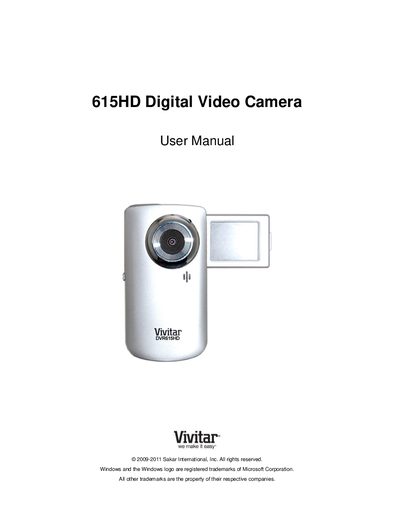
This manual introduces the Vivitar 615HD camera, lists what is included, and describes the physical parts of the device. It guides users through the initial setup, including battery installation, SD card insertion, language selection, and date/time configuration.
The guide explains the main camera modes—Video Capture, Photo Capture, and Playback—along with how to connect the camera to a TV or computer, install the accompanying software, perform media transfers, and maintain the camera. Warranty information, technical support contacts, and a troubleshooting section are also provided.
Make sure you have actually taken photos; if the photos are saved to the SD memory card they should appear after transfer.
The camera requires an SD card for normal use, and you should download your photos to your computer as soon as possible.
Deleted images are sent to your computer’s Recycle or Trash Bin and can be retrieved from there.