
This document is the user manual for the ViviCam 7022 digital camera, which includes information about the accessories, parts, initial setup, main modes, technical specifications, computer system requirements, how to use the camera, software installation, connecting the camera to a computer, camera maintenance, Sakar warranty card, technical support, and troubleshooting.
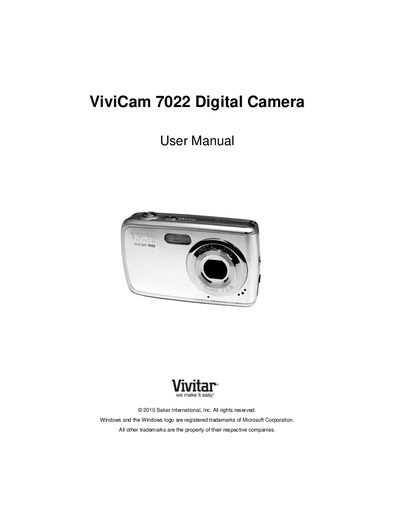
This manual walks you through everything needed to start using the ViviCam 7022, from unpacking the camera and installing batteries and an SD memory card to configuring language, date, time, and the ViviLink social‑media settings. Detailed steps are provided for the initial camera setup and for navigating the various menus.
The guide also explains each camera mode—Photo Capture, Video Capture, and Playback—along with tips for transferring images to a computer, warranty information, and how to obtain technical support. Troubleshooting answers common issues such as missing transferred photos and data loss prevention.
| Battery type | 3× AAA (1.5 V) batteries |
|---|---|
| Memory card capacity | SD card up to 32 GB |
| Display | LCD screen |
Make sure the photos were saved to the SD memory card; if they are on the card they will appear after a successful transfer.
The camera requires an SD card for normal use, so store images on the card and download them to your computer promptly.