
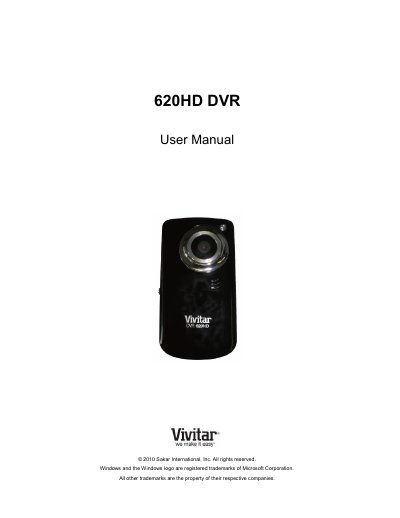
This user manual covers the Vivitar 620HD DVR digital video camera. It explains initial setup, including battery and SD card installation, language selection, and date and time settings.
The guide then describes the camera's video capture, photo capture, and playback modes, along with menu navigation, connecting to a TV or computer, installing the Vivitar Experience Image Manager software, maintenance, warranty, and troubleshooting.
| Memory card | SD Memory card up to 16 GB |
|---|---|
| Batteries | 2 x AA (1.5 V) |
| Recommended battery type | Alkaline |
| Included software | Vivitar Experience Image Manager Installation CD |
It needs an SD Memory card of up to 16GB; the card is not included and must be purchased separately.
Use two AA 1.5V batteries; alkaline batteries are recommended, and batteries are not included.
Press the MODE button after the camera is powered on; pressing it once opens Photo Capture mode and twice opens Playback mode.
Check that the SD card was inserted properly.