
MAX492/MAX494/MAX495 is a precision low-power operational amplifier from Texas Instruments. It features low-voltage single-supply operation, wide input and output dynamic range and is widely used in portable equipment, battery-powered instruments, data acquisition, signal conditioning and other low-voltage applications.
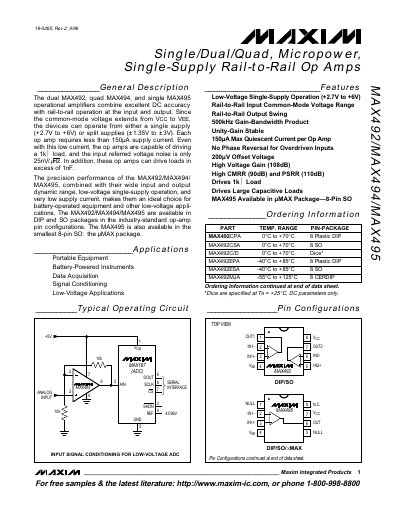
The Maxim MAX492, MAX494, and MAX495 are micropower operational amplifiers that provide rail‑to‑rail input and output performance. They operate from a single 2.7 V to 6 V supply or dual ±1.35 V to ±3 V supplies and draw less than 150 µA per amplifier.
These devices feature a 500 kHz gain‑bandwidth product, low offset voltage, and the ability to drive loads up to 1 nF. They are suited for portable equipment, battery‑powered instruments, and low‑voltage signal‑conditioning applications.
| Supply Voltage Range | 2.7 V to 6 V (single) or ±1.35 V to ±3 V (dual) |
|---|---|
| Quiescent Current | < 150 µA per op amp |
| Gain‑Bandwidth Product | 500 kHz |
| Output Voltage Swing | Within 50 mV of the supplies with a 100 kΩ load |
They operate from a single 2.7 V to 6 V supply or from dual ±1.35 V to ±3 V supplies.
Each amplifier consumes less than 150 µA of supply current.
The MAX495 is offered in DIP, SO, and the smallest 8‑pin µMAX (SO) package.