
This is the BIOS setup screen of an Asus H55M-GE motherboard
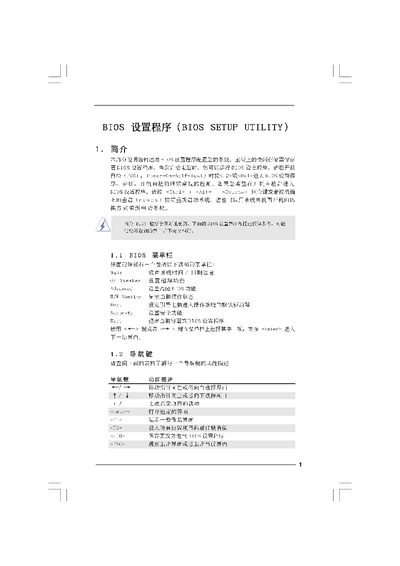
The BIOS Setup Utility manual provides step‑by‑step instructions for accessing the BIOS, adjusting system settings, and using advanced features such as overclocking, memory timing, and power‑saving options. It covers the main screen layout, menu navigation keys, and the purpose of each configuration category.
Additional sections describe specialized tools like ASRock Instant Flash for BIOS updates, security password settings, and exit options for saving or discarding changes. The guide also warns about risks of incorrect settings and offers troubleshooting tips for common issues such as boot failures. This manual is written in Chinese.
| Cache Size L2 | 1024 KB |
|---|