
This document is a user manual for a BIOS setup utility. It introduces the main functions, advanced settings, hardware monitoring, boot settings, security settings, etc. It also mentions information about the product's processor type, processor speed, memory size, etc.
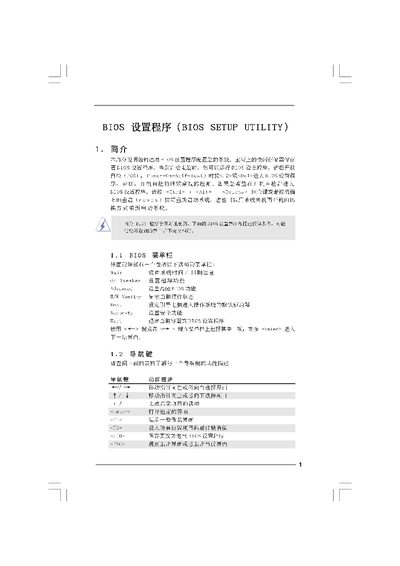
This manual explains how to enter the BIOS Setup Utility, navigate its menus, and adjust hardware settings such as CPU, memory, and power options. It covers the main screen, advanced screen, security settings, and the Instant Flash BIOS update tool.
The guide also provides details on saving or discarding changes, using shortcut keys, and troubleshooting common BIOS functions. It is intended for users who need to configure system parameters on ASRock motherboards. This manual is written in Chinese.
| L1 Cache | 128 KB |
|---|---|
| L3 Cache | B192 KB |
Press