
This is a document about the BIOS setup utility of the H55 Extreme3 motherboard. The document introduces the main features of the motherboard, system overview, system time and date settings, processor information, memory information, etc.
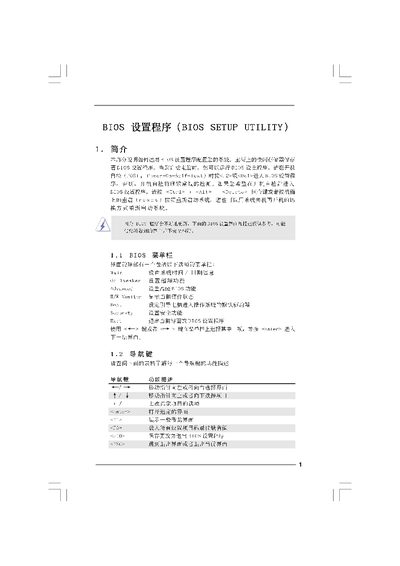
The document provides a step‑by‑step guide to navigating the BIOS Setup Utility, including the Main Screen, Advanced Screen, CPU and memory configuration, voltage settings, and security options. It also describes how to save changes, load defaults, and exit the utility.
Additional sections cover the Instant Flash tool for BIOS updates, overclocking features, and detailed timing and voltage controls for memory and CPU. The guide includes safety warnings and notes on compatible hardware. This manual is written in Chinese.
| Processor Speed | 3.47 GHz |
|---|---|
| Memory Size | 204 MB |
| BIOS Version | Y02.54 |
Press F10 to Save and Exit the BIOS setup.
Select Overclock Mode on the Advanced screen and choose Auto or Manual settings.