
This is the user manual of GA-H67A-UD3H LGA1155 motherboard, which introduces the hardware installation and BIOS program settings of the motherboard
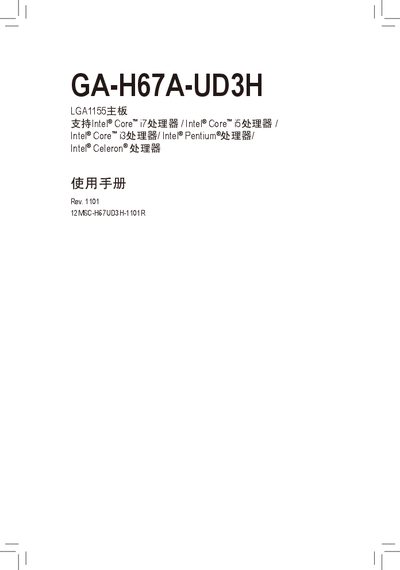
This manual provides step‑by‑step instructions for installing the GA‑H67A‑UD3H motherboard, configuring the BIOS, installing drivers, and using the unique Gigabyte features such as Q‑Flash and EasyTune. It also includes troubleshooting tips and warranty information.
The document is organized into hardware installation, BIOS configuration, driver installation, feature overviews, troubleshooting, and service & warranty sections, with diagrams of the board layout and connector pin‑outs. This manual is written in Chinese.
| CPU Socket | LGA1155 |
|---|---|
| Supported Memory | DDR3 1333/1066/800 MHz |
| PCI Express Slots | PCI Express x16, PCI Express x1 |
| USB 2.0 Ports | 2 ports (expandable via 2‑port USB 2.0 extension bracket) |
It uses an LGA1155 socket for Intel processors.
The board supports DDR3 memory at 1333, 1066, or 800 MHz.
Two USB 2.0 ports are available, with an optional 2‑port USB 2.0 expansion bracket.