
Gigabyte GA-H67M-UD2H Motherboard User Manual

GA-H67M-UD2H motherboard user manual, introduces the hardware installation and BIOS setup of the motherboard
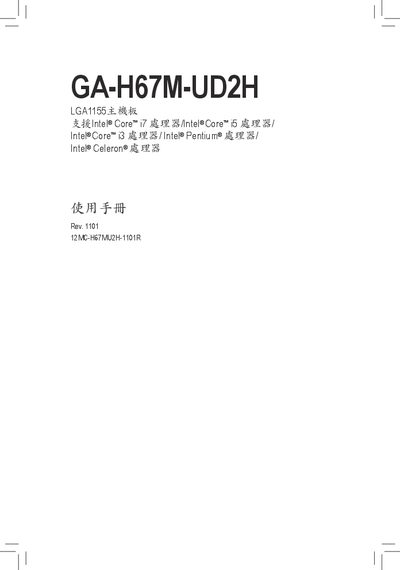

Gigabyte GA-H67M-UD2H Motherboard User Manual - cover page
Brand
Gigabyte
Category
Motherboard
Document type
User Manual
Language
Chinese
Pages
104
File format
PDF
File size
28.6 MB
Published
09 April, 2012
Updated
01 October, 2023
MD5 checksum
B569DF837B4BEFDCF4B39BF90A317551

About this manual

This manual covers the hardware installation steps for the GA‑H67M‑UD2H motherboard, including CPU, cooling fan, memory modules, and expansion cards. It also details the BIOS features, update procedures, and driver installation.

Additional sections provide product specifications, power‑management settings, and a troubleshooting guide to help resolve common issues. This manual is written in Chinese.

What's inside

  • Hardware Installation
  • Product Specifications
  • CPU and Fan Installation
  • Memory Module Installation
  • Expansion Card Installation
  • BIOS Features
  • BIOS Update
  • Driver Installation
  • Troubleshooting

Specifications

CPU socketLGA1155
Supported memoryDDR3 1333/1066/800 MHz Dual Channel
USB ports14 × USB 2.0
LAN controllerRealtek RTL8111E

Frequently asked questions

What is the model number of this motherboard?

The model number is GA‑H67M‑UD2H.

Which CPU socket does the GA‑H67M‑UD2H use?

It uses an LGA1155 socket.

Download PDF (28.6 MB)

More Gigabyte Manuals


View all Gigabyte manuals →