
Vaisala HMI41 Humidity/Temperature Indicator User Manual

This manual describes the operation of the Vaisala HUMICAP® humidity and temperature measurement instrument and HMI41 probes.
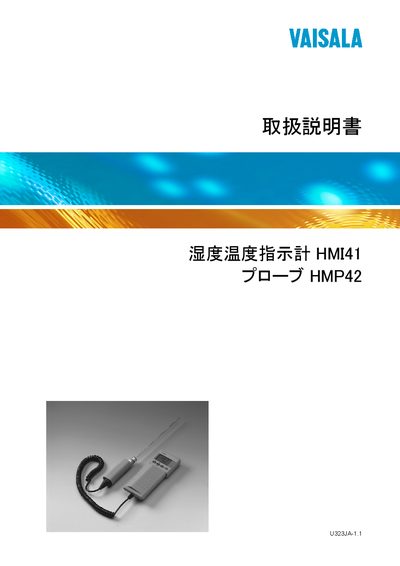

Vaisala HMI41 Humidity/Temperature Indicator User Manual - cover page
Brand
Vaisala
Category
Other
Document type
User Manual
Language
Japanese
Pages
80
File format
PDF
File size
3.2 MB
Published
06 April, 2012
Updated
01 October, 2023
Model
HMI41
MD5 checksum
ABDEC746947F5C2208E622299CEFC180

About this manual

The HMI41 indicator displays relative humidity, temperature and dew‑point, and can also show absolute humidity, wet‑bulb temperature or mixing ratio. It works with a range of probes (HMP42, HMP44, HMP45, HMP46) that are automatically recognised when the instrument label contains an ID number.

The device includes an auto‑power‑off feature, manual or automatic data collection, adjustable measurement intervals and periods, and optional serial interface for PC transfer. Batteries are four AA cells, and the instrument can be calibrated with a supplied adapter cable. This manual is written in Japanese.

What's inside

  • Overview of HMI41 and HMP42
  • Humidity measurement precautions
  • Startup preparation
  • Battery installation
  • Probe connection
  • Starting a measurement
  • Display modes (HOLD, MIN, MAX)
  • Calibration procedures
  • Data collection mode
  • Setup and configuration
Download PDF (3.2 MB)

More Vaisala Manuals


View all Vaisala manuals →