
This manual introduces the use of Vaisala HUMICAP®Indicator HMI41 and HMP41/45/46 sensors, including usage instructions, measurement steps, calibration methods, data collection, etc.
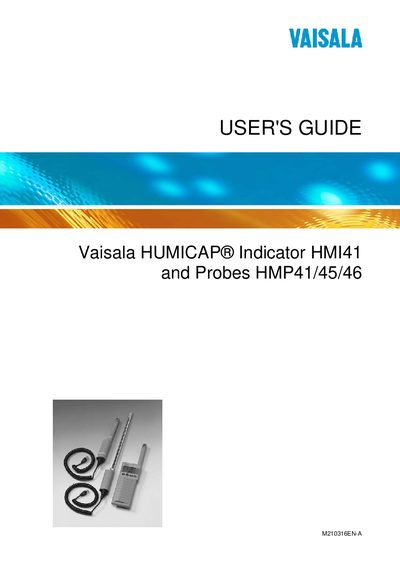
This manual describes the Vaisala HMI41 humidity and temperature indicator and its compatible probes (HMP41, HMP42, HMP44/L, HMP45, HMP46). It explains how to insert batteries, connect probes, start measurements, and use optional features such as automatic power‑off and data collecting.
The guide also covers calibration methods, data transfer to a PC via a serial cable, setting adjustments, and maintenance procedures, including spare parts and probe‑specific considerations.
| Humidity measurement range | 0 – 100 %RH |
|---|---|
| Battery type and count | 4 × AA (LR6) batteries |
| Probe HMP42 dimensions | Diameter 4 mm, length 23.5 cm |
| Probe HMP46 temperature rating | Up to +100 °C (temporarily +180 °C) |
| Automatic power‑off function | Can be disabled; not active during data collecting |
The HMI41 uses four AA (LR6) batteries.
It measures humidity from 0 to 100 %RH.
The HMP42 probe, with a 4 mm diameter and 23.5 cm length, is designed for tight places.