
This document is a user manual for Vaisala HMI41 display and HMP41/45/46 sensors. It contains the features and usage of the product.
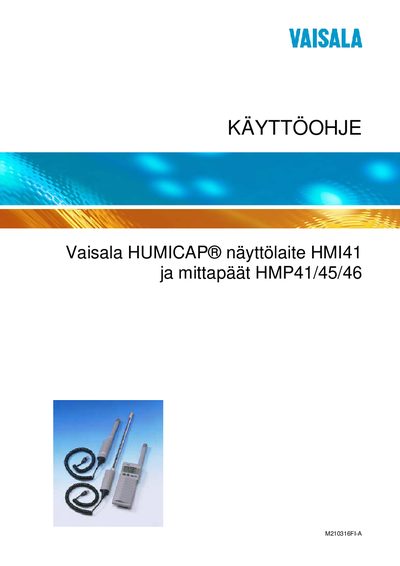
The HMI41 is a portable display unit for measuring relative humidity and temperature using Vaisala HUMICAP® probes. It supports six probe types (HMP41, HMP42, HMP44, HMP44L, HMP45, HMP46) and provides automatic or manual data logging, calibration, and optional temperature compensation.
The manual explains initial setup, battery installation, probe connection, calibration procedures, data storage options, and maintenance. It also includes technical specifications, troubleshooting tips, and instructions for transferring recorded data to a computer.
| Humidity measurement range | 0–100 %RH |
|---|---|
| Battery type | 4 × AA (LR6) |
Open the battery compartment cover on the back of the unit and install four AA (LR6) batteries as shown.
Attach the selected probe to the device and be sure to remove the yellow transport guard before starting the measurement.