
User manual for Vaisala HUMICAP® indicator HMI41 and probe HMP42 U323FR-1.1. Provides instructions on how to use the product and important considerations.
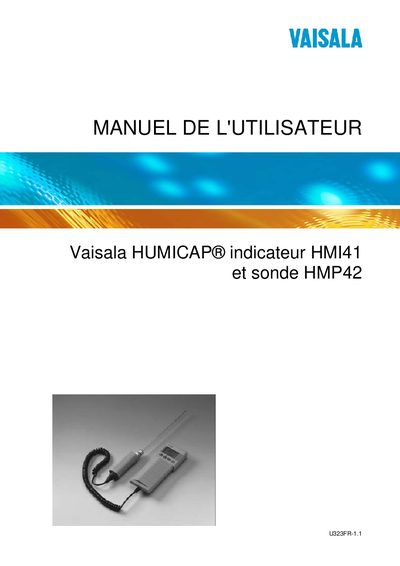
The HMI41 is a portable humidity and temperature indicator that works with a range of Vaisala HMP probes. It displays relative humidity, temperature, dew‑point and other derived quantities, and can store measurements for later transfer.
The manual explains how to install batteries, connect the HMP42 probe, perform calibrations, configure automatic or manual data collection, and export data to a PC via a serial interface. Safety and error‑prevention guidelines are also provided. This manual is written in French.
| Humidity measurement range | 0 – 100 %RH |
|---|---|
| Temperature measurement range (with HMP42) | -40 °C – +100 °C |
| Battery type | 4 AA (LR6) |
| Data collection mode | Automatic or manual |
| PC data‑transfer interface | Serial (command reference 19446ZZ) |
Connect the HMP42 probe cable to the connector labeled ‘PROBE’ on the bottom of the HMI41.