
This manual introduces the basic features and options of the Vaisala HUMICAP® Humidity Module HMM100, including probe types, filter types, and installation accessories.
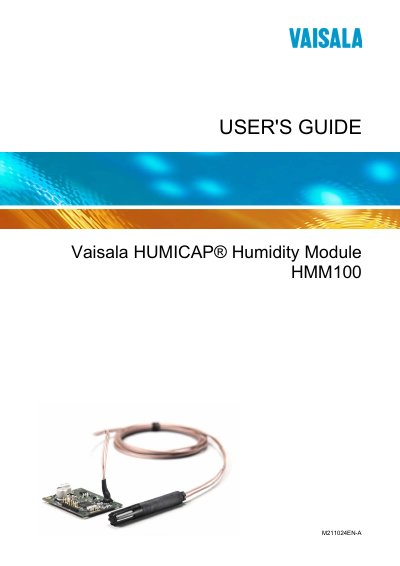
This guide covers all aspects of the Vaisala HMM100 humidity module, including safety considerations, product overview, and detailed installation instructions. It explains how to connect the module, configure serial communication, and set measurement parameters.
The manual also describes operation commands, calibration procedures, troubleshooting tips, and provides full technical specifications such as performance, humidity range, and environmental limits.
Use the “Reset the Module” command as described in Chapter 4.
Enter the “Show Firmware Version” command in the terminal application.
The guide uses WARNING, CAUTION, and NOTE symbols to indicate serious hazards, potential damage, and important information.
Refer to Chapter 5 Maintenance and follow the “Changing the Filter” procedure.