
This document is the instruction manual for HMI41 and HMP42, which introduces how to use the product, including startup preparation, measurement method, calibration method, data collection and PC transmission
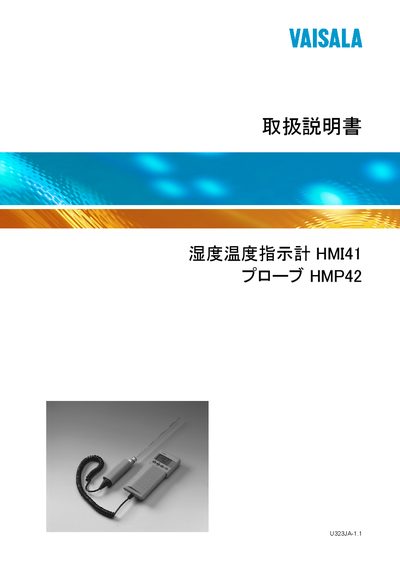
The HMI41 is a portable humidity‑temperature indicator designed for industrial monitoring, laboratory use, and health‑safety applications. It works with a range of probes, automatically recognizing those with an ID label, and can display relative humidity, temperature, dew point, absolute humidity, wet‑bulb temperature, and mixing ratio.
The manual covers safety precautions, battery installation, probe connection, measurement start, data‑collection modes, setup options, error handling, and technical specifications. It also includes command reference tables for software integration and a warranty section. This manual is written in Japanese.
| Humidity measurement range | 0–100 %RH |
|---|---|
| Temperature measurement range (HMP42 probe) | -40 °C to 100 °C |
| Battery type | 4 × AA (単3) batteries |
| HMP42 probe head diameter | 4 mm |
| HMP42 probe length | 23.5 cm |
| Auto power‑off function | Enabled (can be disabled) |
| Data collection mode | Automatic and manual |
The HMI41 can measure humidity from 0 %RH up to 100 %RH.
Four AA (単3) batteries are required.
Insert the HMP42 probe into the socket labeled "PRoBg" on the bottom of the HMI41.
Yes, the device supports both automatic and manual data‑collection modes.