
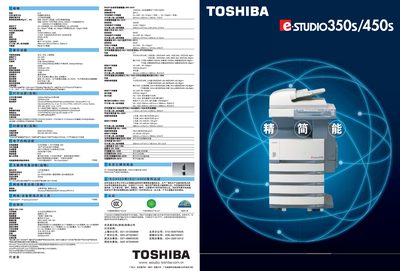
The e‑STUDIO 350S/450S is a high‑speed document scanner that offers up to 35/45 pages per minute printing speed and a resolution of 2400 × 600 dpi. It supports multiple paper sizes, including A3, A4, 8K, and 16K, and provides functions such as duplex printing, stapling, and hole‑punching.
The manual also covers document management features such as template creation, TopAccess web‑based administration, file saving to internal HDD, and secure encryption. Scanned files can be saved in TIFF or PDF formats, and the device integrates with TWAIN and LDAP for easy network access. This manual is written in Japanese.
| Printing speed | 35/45 pages per minute |
|---|---|
| Resolution | 2400 × 600 dpi |
It can print up to 35 pages per minute in monochrome and 45 pages per minute in color.
The device provides a maximum resolution of 2400 × 600 dpi.