
This is an advanced operation manual for the TASKalfa 620/820 copier, which introduces the copier's various copying functions, including automatic paper selection, displacement mode, multiple-in-one mode, binding edge mode, centering originals, trimming, inserting page numbers, cover mode, watermark overlay, booklet making, book copying, annotation blank mode, continuous scanning, test copy mode, repeat copy, slide film underlay, automatic image rotation, economy print mode, reverse copy, mirroring, mixed originals mode, multi-page table and program copy.
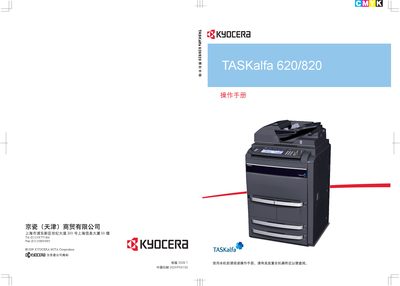
This manual explains how to operate the Kyocera TASKalfa 620 and 820 series printers. It covers basic functions such as printing, scaling, duplex and split modes, as well as advanced features like cover‑page printing and file management.
Detailed sections describe high‑angle printing, manual scaling from 25 % to 400 %, and how to use the built‑in document management tools to store and retrieve frequently used files. An index at the end helps locate specific topics quickly. This manual is written in Japanese.
| Scaling range | 25 % to 400 % |
|---|
Scaling can be set manually from 25 % up to 400 % using the scaling function.