
This document is the Kyocera KR1 Mobile Router User Guide, introduces the features and characteristics of the product
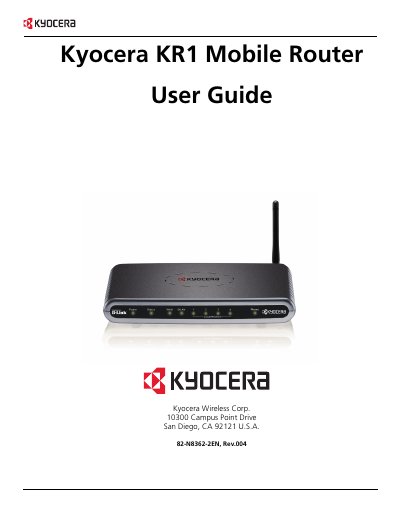
The Kyocera KR1 Mobile Router is a compact wireless router that supports 802.11b/g Wi‑Fi, EVDO WAN connections, and up to four Ethernet ports. It provides wireless data rates up to 54 Mbps and includes features such as WPA‑PSK security, NAT with VPN pass‑through, and an integrated web‑based configuration interface.
The manual covers hardware connections, LED status meanings, step‑by‑step installation, Wi‑Fi configuration, advanced settings, and troubleshooting tips. Technical specifications, warranty information, and regulatory compliance details are also provided.
| Wireless Standard | IEEE 802.11b/g |
|---|---|
| Maximum Wireless Data Rate | 54 Mbps |
| Ethernet Ports | 4 × 10/100 Mbps |
| Power Input | DC 5 V, 3.0 A |
| Operating Temperature | 32 °F – 131 °F (0 °C – 55 °C) |
| Indoor Wireless Range | up to 328 ft (100 m) |
| Wireless Transmit Power | 15 dBm ± 2 dB |
| Physical Dimensions | 7.56 in × 4.65 in × 1.22 in |
Press the Reset button on the unit; this restores the KR1 to its original factory default setting.
The router requires an external DC 5 V, 3.0 A power adapter.
The device can reach up to 328 feet (100 meters) indoors.