
This is the TASKalfa 181/221 user manual, which introduces how to load paper, basic copy, print and scan operations and troubleshooting.
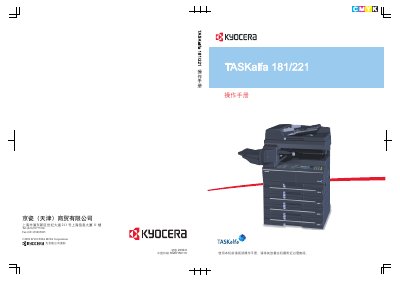
The Kyocera TASKalfa 181/221 User Manual provides step‑by‑step instructions for installing, configuring, and operating the multifunction printer. It includes safety warnings, preparation steps, network settings, paper handling, copy and print functions, and detailed troubleshooting procedures.
The manual also lists environmental specifications, recommended consumables, and optional accessories such as hard‑disk and fax modules. Users are advised to keep the manual nearby for reference during routine maintenance and when adjusting system settings. This manual is written in Chinese.
| Operating Temperature | 10 °C – 32.5 °C |
|---|---|
| Operating Humidity | 15 % – 80 % |
| Frequency Range (RF module) | 13.56 MHz |
| Maximum Emission Power | ≤ 42 dBµA/m (10 m field strength) |
| Occupied Bandwidth | ≤ 14 kHz |
Read the operation manual and keep it near the machine for reference before the first use.
Kyocera recommends using original consumables and does not take responsibility for damage caused by third‑party items.
Select the language setting in the system menu to switch the display language.
Operate the printer at temperatures between 10 °C and 32.5 °C and humidity between 15 % and 80 %.