
This is an operation manual that introduces the operating methods of FS-1028MFP, FS-1028MFP/DP, FS-1128MFP, including loading paper, basic copying, printing and scanning operations, and troubleshooting
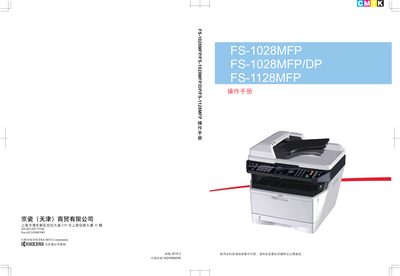
This operation manual covers all aspects of using the Kyocera FS-1028MFP and FS-1128MFP multifunction printers, including installation, basic copy/print/scan functions, network configuration, and fax (FS-1128MFP only). It also contains safety warnings, recommended consumables, and detailed troubleshooting steps.
Safety symbols, energy‑efficiency information, and radio‑frequency compliance data are provided, along with guidelines for cleaning, toner replacement, and proper disposal of used consumables. This manual is written in Chinese.
| Frequency range | 13.56 MHz |
|---|---|
| Frequency tolerance | ≤ 100 ppm |
| Emission power | ≤ 42 dBµA/m (10 m field strength) |
| Occupied bandwidth | ≤ 14 kHz |
| Spurious emission limit | ≤ 27 dBµA/m (10 m field strength) |
Press the Start key to begin copying; you can also adjust settings such as paper size and concentration before starting.
Fax sending is available only on the FS-1128MFP model; refer to the fax operation manual for details.