
This is the user manual for Taskalfa 250ci/300ci/400ci, which introduces how to operate the machine correctly, perform daily maintenance and take simple troubleshooting measures when necessary, so that you can always use it. The machine is in good working order.
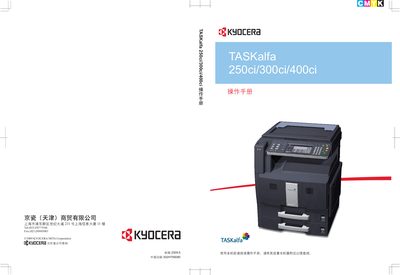
This manual introduces the Kyocera TASKalfa 250ci, 300ci, and 400ci multifunction printers, covering safe operation, installation, and daily use. It emphasizes reading the manual before first use and keeping it near the machine for reference.
The guide details basic functions such as copying, printing, scanning, and sending jobs, as well as advanced settings like network configuration, image quality adjustment, and maintenance procedures. Safety symbols, legal notices, and a comprehensive troubleshooting section are also included. This manual is written in Chinese.
| Print speed | 250ci: 23/25 ppm, 300ci: 30/30 ppm, 400ci: 40/40 ppm |
|---|
Read the operation manual and keep it near the machine for reference.
Use Kyocera original consumables; the manufacturer does not assume responsibility for damage caused by third‑party supplies.
Connect a LAN cable and configure the network settings as described in the manual (section 2‑10).