
This is an instruction manual that introduces how to operate the FS-6025MFP / FS-6025MFP/B / FS-6030MFP multifunction device properly, including machine installation, common operations, daily maintenance, and troubleshooting.
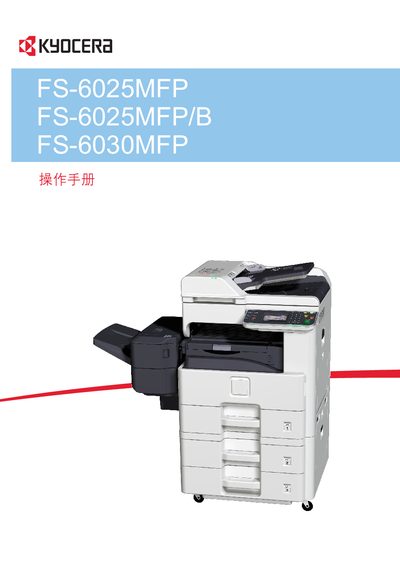
This manual covers the installation, configuration, and daily operation of the Kyocera FS-6025MFP, FS-6025MFP/B, and FS-6030MFP multifunction printers. It includes guidance on connecting the device to a computer or network, loading consumables, and using the built‑in functions such as copying, scanning, and faxing.
Additional sections address routine maintenance, troubleshooting common issues, and detailed technical specifications. Reference tables and diagrams help technicians perform service tasks and users to get the most out of the printer’s features.