
Kyocera FS-C8020MFP FS-C8025MFP User Manual

This manual describes how to load paper, perform basic copying, printing, and scanning operations, and troubleshoot problems.
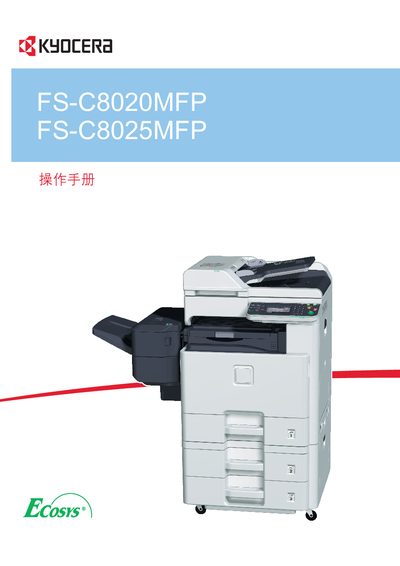

Kyocera FS-C8020MFP FS-C8025MFP User Manual - cover page
Brand
Kyocera
Category
All-in-one printer
Document type
User Manual
Language
English
Pages
376
File format
PDF
File size
29.4 MB
Published
01 April, 2012
Updated
30 September, 2023
MD5 checksum
FAF4640CF7BFDC4A06031E3B72A45C97

About this manual

This manual covers the installation, operation, and maintenance of the Kyocera FS-C8020MFP and FS-C8025MFP multifunction printers. It includes detailed instructions for loading paper, configuring network settings, and using the Command Center interface.

Additional sections address troubleshooting, energy‑star compliance, and optional accessories such as USB and TWAIN drivers. The document also lists technical specifications and warranty information.

What's inside

  • Introduction
  • Installation
  • Operation
  • Command Center
  • USB Connectivity
  • TWAIN Interface
  • Energy Star Compliance
  • Troubleshooting
  • Specifications
Download PDF (29.4 MB)

More Kyocera Manuals


View all Kyocera manuals →