
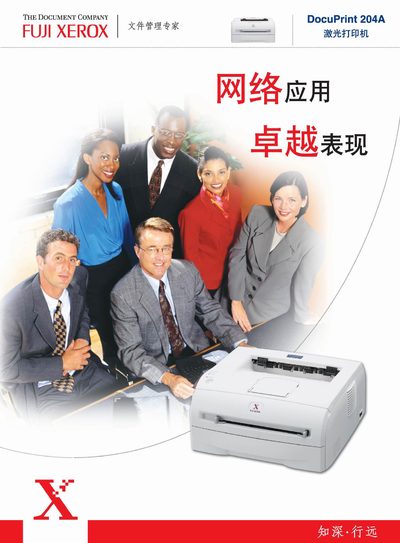
This manual covers the technical specifications, supported interfaces, and compatible operating systems for the Fuji Xerox DocuPrint 204A printer. It includes details on print resolution, memory, processor speed, and available emulations.
Installation guidance, physical dimensions, power requirements, and noise level information are also provided, helping users set up and operate the printer efficiently in various environments.
| Print resolution | 600 x 600 dpi |
|---|---|
| Processor speed | 133 MHz |
| Supported paper sizes | A4, Letter, Legal, A5, A6, B5, B6, Executive, etc. |
| Print emulations | PCL6, IBM Pro Printer, Epson FX‑850 |
| Supported operating systems | Windows 95/98/Me, Windows NT 4.0, Windows 2000/XP, Mac OS 9.1‑9.2, Mac OS X 10.2.4 |
| Dimensions (W×D×H) | 371 mm × 361 mm × 165.5 mm |
| Weight | 9.4 kg |
| Power input | 220‑240 V 50/60 Hz = 100‑120 V 50/60 Hz |
| Power consumption | 450 W (typical), 1032 W (max) |
| Noise level | 51 dB |
It prints at a resolution of 600 × 600 dpi.
It works with Windows 95/98/Me, Windows NT 4.0, Windows 2000/XP, Mac OS 9.1‑9.2 and Mac OS X 10.2.4.
The unit measures 371 mm × 361 mm × 165.5 mm and weighs about 9.4 kg.