
Instruction manual, which introduces the operation method and precautions for using the product
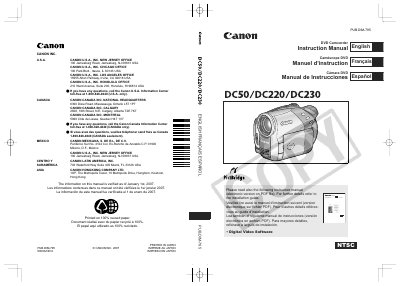
This manual covers safety instructions, proper use of accessories, and power requirements for the Canon DC50, DC220, and DC230 DVD camcorders. It explains how to select compatible 8 cm mini DVD discs, how to operate recording and playback functions, and how to navigate menus and settings.
Additional sections describe battery charging, wireless control, LCD screen adjustment, and detailed warranty terms for Canon Canada and U.S. customers. The document also includes troubleshooting tips for RF interference and guidance on using the CA‑570 Compact Power Adapter.
| Supported DVD disc types | 8 cm mini DVD‑R, DVD‑R DL, DVD‑RW |
|---|---|
| Maximum capacity on DVD‑R DL | up to 2.6 GB |
| Power plug type | Polarized 2‑prong plug |
The camcorder works with 8 cm mini DVD‑R, DVD‑R DL, and DVD‑RW discs.