
This is the instruction manual for the Canon HD Camcorder VIXIA HF R21 A / VIXIA HF R20 A / VIXIA HF R200 A
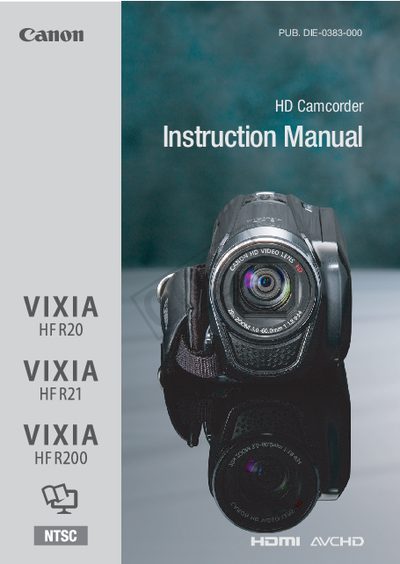
This manual covers safety warnings, recommended accessories, and basic handling of the VIXIA HD camcorder series. It explains the device’s features, how to charge the battery, insert memory cards, and operate the touch screen.
The document also includes detailed specifications, a table of contents for quick navigation, warranty information, and troubleshooting tips for common issues.
| Recording System | Movies: AVCHD; Video compression: MPEG-4 AVC/H.264; Audio compression: Dolby Digital 2ch |
|---|---|
| Image Sensor | 1/4.85-inch CMOS, 3,280,000 pixels |
| Built-in Memory | 32 GB, 8 GB |
| Maximum Recording Time (32 GB built‑in) | MXP mode: 2 hr 55 min |
Do not expose the camcorder to rain, moisture, or water, and use only the recommended accessories to avoid fire or electric shock.