
Samsung CLP-500/CLP-500N Color Laser Printer Installation Guide

The document contains a description of the features and characteristics of a certain product.
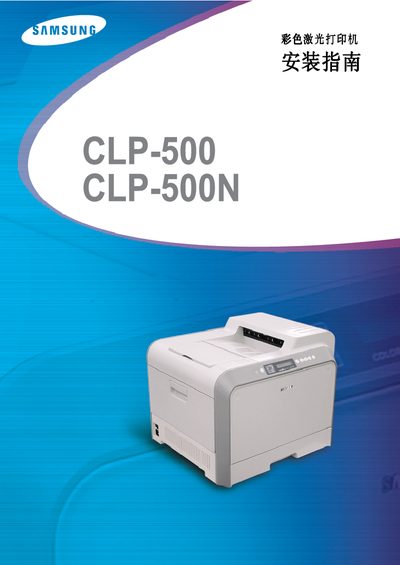

Samsung CLP-500/CLP-500N Color Laser Printer Installation Guide - cover page
Brand
Samsung
Category
Printer
Document type
Installation Guide
Language
English
Pages
233
File format
PDF
File size
12.2 MB
Published
01 April, 2012
Updated
28 September, 2023
MD5 checksum
125B8C4DE4068E55158AE036B90D4535

About this manual

This guide provides step‑by‑step instructions for installing the Samsung CLP‑500 and CLP‑500N color laser printers. It covers unpacking, hardware setup, and connecting the printer to a computer via USB.

The manual also explains how to install the required Windows drivers, use the SyncThru management software, and troubleshoot common errors that may occur during installation.

What's inside

  • Hardware Installation
  • Connecting to PC
  • Driver Installation
  • SyncThru Setup
  • Troubleshooting

Frequently asked questions

What software is used to manage the printer?

The printer can be managed using Samsung’s SyncThru software.

Download PDF (12.2 MB)

More Samsung Manuals


View all Samsung manuals →