
Samsung ML-1520 Laser Printer User Manual

ML-1520 1-Inch Mini Dot Matrix Printer
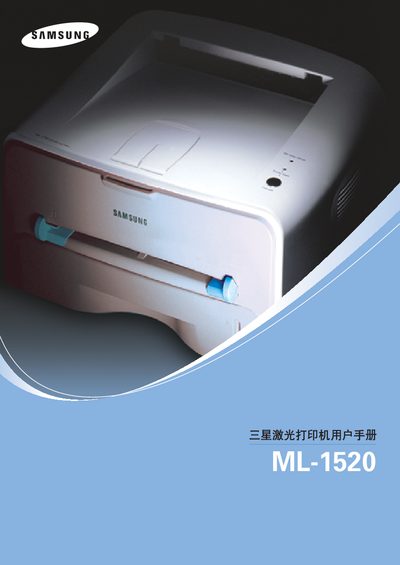

Samsung ML-1520 Laser Printer User Manual - cover page
Brand
Samsung
Category
Printer
Document type
User Manual
Language
English
Pages
130
File format
PDF
File size
5 MB
Published
01 April, 2012
Updated
30 September, 2023
MD5 checksum
60FCB5C1E92F0D5403EF352605E28A72

About this manual

This manual provides instructions for installing and configuring the Samsung ML-1520 laser printer on supported operating systems. It includes details on hardware connections, driver installation, and basic printing functions.

Additional sections cover routine maintenance, error codes, and troubleshooting steps to help keep the printer operating reliably. Reference tables list specifications and supported interfaces.

What's inside

  • Installation
  • Operating System Compatibility
  • Interface Connections
  • Maintenance
  • Error Codes and Troubleshooting
  • Specifications

Specifications

InterfaceCentronics
Supported Operating SystemsWindows 98/Me, Windows 2000, Windows XP

Frequently asked questions

Which operating systems are supported by the ML-1520 printer?

The printer supports Windows 98, Windows Me, Windows 2000, and Windows XP.

What type of interface does the ML-1520 use?

It uses a Centronics parallel interface.

Download PDF (5 MB)

More Samsung Manuals


View all Samsung manuals →