
This is the user manual for Canon fi-4530C scanner. It introduces the scanner's basic operations, methods of scanning various types of documents, daily maintenance, replacement of consumables, troubleshooting, document specifications and scanner specifications.
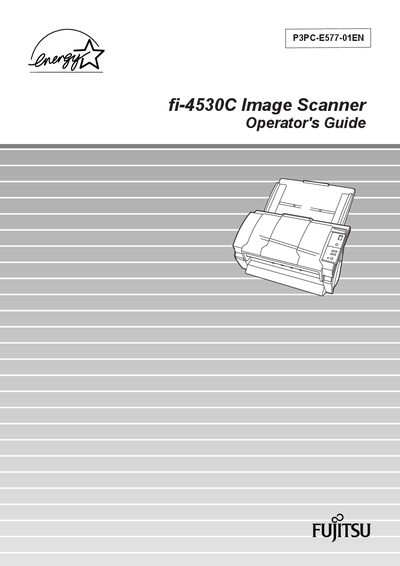
This Operator's Guide explains how to set up and use the Fujitsu fi-4530C image scanner. It covers basic scanner operations, loading documents into the automatic document feeder (ADF), using the scanner driver, and saving scanned images in PDF format. The guide also details consumable replacement, such as pads and pick rollers, and provides troubleshooting steps for common issues.
Additional sections describe the scanner’s technical specifications, including supported document sizes, ADF capacity, and installation requirements. The manual includes safety information, cleaning procedures, and a glossary of terms to help users operate the scanner efficiently.
| Maximum ADF capacity (A4) | 100 sheets (10 mm stack) |
|---|---|
| Maximum ADF capacity (A3) | 50 sheets (5 mm stack) |
| Supported document size | Up to A3 |
| Double‑sided scanning | Supported |
| PDF output | Supported |
Press the power button on the operator panel; the green LED lights and the function display shows "1" indicating the scanner is ready.
Align the edges of the documents, ensure all sheets have the same width, fan the stack, and load up to 100 A4 sheets (or 50 A3 sheets) into the feeder.
Load documents on the ADF, press any button on the operator panel, or execute a command from the scanner driver to wake the scanner.