
This document is an instruction manual for a printer of a certain brand and model. It contains information on the product's features, usage methods, and maintenance.
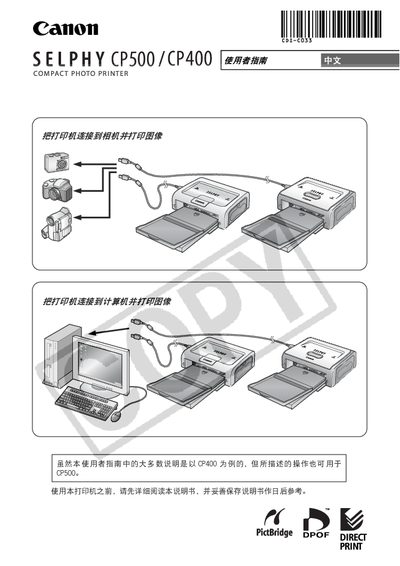
This guide explains how to set up and use the Canon SELPHY CP500/CP400 compact photo printer. It covers safety precautions, installation of the printer and its components, and basic printing procedures for both Windows and Macintosh computers.
The manual also details camera compatibility, including blind‑print (PictBridge) functionality, supported paper sizes, and troubleshooting tips. Quick‑start instructions and parts reference are provided to help users get the most out of their printer. This manual is written in Chinese.
| Supported cameras | Canon digital cameras with PictBridge |
|---|---|
| Supported operating systems | Windows and Macintosh |
Yes, the printer supports blind‑print (PictBridge) so you can print directly from a compatible Canon digital camera.
The printer works with both Windows and Macintosh computers.
The guide includes a safety precautions section that outlines safe handling and usage of the printer.