
Instruction manual, introduces how to use Canon CP series photo printer, including opening the package, loading ink cartridge and paper, connecting power supply, printing from storage card, printing from digital camera, mobile phone or computer, cleaning, storing or carrying printer, troubleshooting, etc.
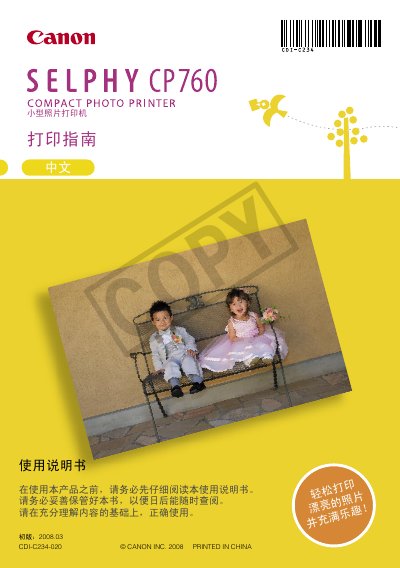
This manual introduces the Canon SELPHY CP760 compact photo printer, its packaging contents and required accessories. It includes safety and usage precautions, handling instructions, and guidelines for installing memory cards and consumables.
The guide explains basic printing procedures, how to select image files, adjust print settings, and manage media types such as SD, SDHC, CompactFlash and Memory Stick cards. Technical specifications, warranty information and troubleshooting tips are also provided. This manual is written in Chinese.
| Input Voltage | 100‑240 V AC (50/60 Hz) |
|---|---|
| Input Current | 1.5 A (100 V) – 0.75 A (240 V) |
| Output Voltage | 24 V DC, 2.2 A |
| Operating Temperature | 0 °C – 45 °C |
| Dimensions (W×D×H) | 122.0 mm × 60.0 mm × 80.5 mm |
| Weight | 310 g |
The printer is rated for 100‑240 V AC input, 50/60 Hz, and draws 1.5 A at 100 V or 0.75 A at 240 V.