
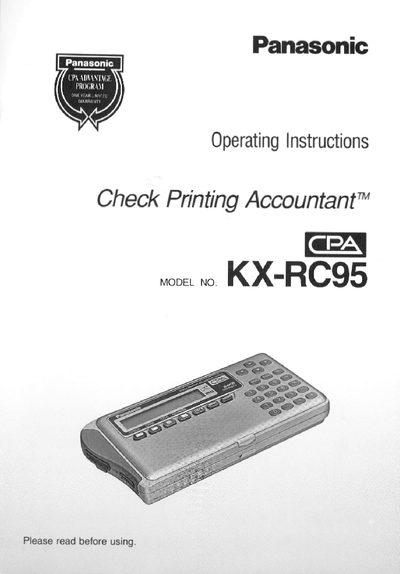
This manual introduces the Panasonic KX-RC95 Check Printing Accountant (CPA), describing its main functions such as check printing, credit‑card entry, calculator, and address directory. It includes safety precautions, accessory information, and detailed instructions for using each function.
The guide also covers maintenance tasks like changing the ribbon cartridge and battery pack, data transfer between devices, and a troubleshooting section to resolve common issues. Warranty and service information are provided at the end of the document.
| AC adaptor model | KX‑WZ4 (indoor use only) |
|---|
Relocate the receiving antenna, increase separation from the CPA, use a different circuit outlet, or consult a radio/TV technician.
Use the "Resetting CPA without Disturbing the Memory" procedure described in the manual.