
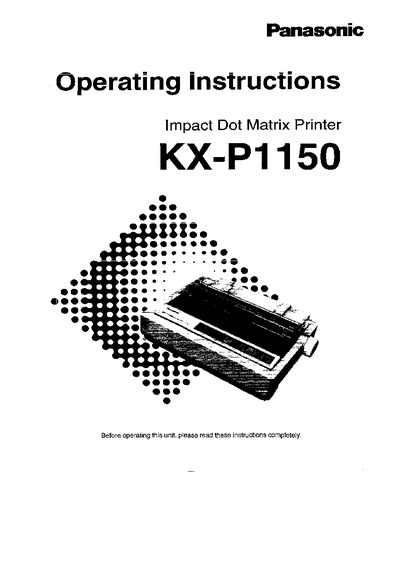
Panasonic KX-P1150 Printer Operating Instructions


Panasonic KX-P1150 Printer Operating Instructions - cover page
Brand
Panasonic
Category
Printer
Document type
User Manual
Language
English
Pages
56
File format
PDF
File size
2 MB
Published
28 March, 2012
Updated
28 March, 2012
MD5 checksum
F92CAD74ADB462829CC7F375580F61BB

About this manual

This manual introduces the Panasonic KX-P1150 dot matrix printer, covering safety precautions, unpacking, and initial setup. It explains wiring requirements for the supplied three‑pin mains plug and details the printer's operating environment and recommended conditions.

The guide walks users through connecting to a computer, installing drivers, loading paper and ribbon cassettes, and performing maintenance and troubleshooting. Appendices include printer specifications, paper specifications, and interfacing options.

What's inside

  • Safety Precautions
  • Setup and Installation
  • Paper Handling
  • Operating Instructions
  • Maintenance & Troubleshooting
  • Printer Specifications
  • Options and Supplies
Download PDF (2 MB)

More Panasonic Manuals


View all Panasonic manuals →